Why we built Blueprints
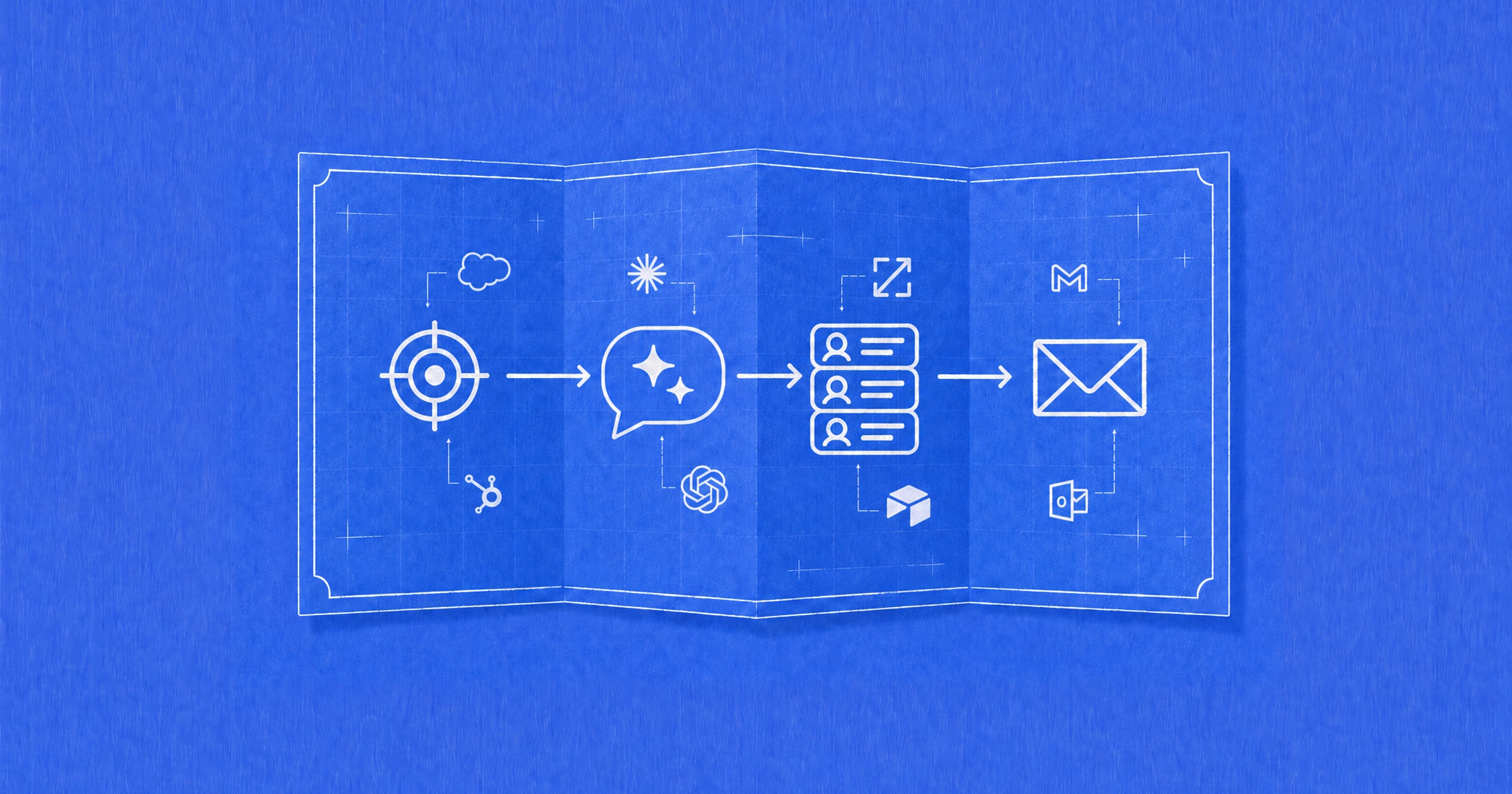
Someone figures out a useful way to do a task with AI. How does the next person use it without starting from scratch?
That's the idea behind Blueprints. We want people to be able to say, “Here's how I do this task, these are the tools I use, and here are the prompts and skills that make it work.” Then someone else should be able to understand the workflow, get the relevant files, and adapt it to their own work.
We started with sales and marketing teams in mind. The library now covers work across functions, including content, HR, customer experience, finance and engineering. The goal is to make useful ways of working with AI easier to share and repeat.
This is our first build note on Blueprints: why we built it, what's changed, and what we still need to figure out.
Why Blueprints
A blueprint starts with a task. It maps out the tools and steps involved and can include the prompts, skills and supporting files someone needs to try it.
For example, Ishani D., an account manager at G2, published a blueprint for building outreach lists from G2 Buyer Intent. Its stack includes Claude, G2 Buyer Intent and ZoomInfo. The workflow ranks buyers that fit your ideal customer profile by readiness, finds the right contact, and prepares outreach angles.
That gives you something specific to work from. You can see the job, the stack and the process, then decide what fits your own team.
That's why we call them Blueprints. A skill can be one part of the workflow. The broader idea is to show how the pieces fit together so another person can replicate the work.
It also makes sense for G2. We help people understand which software to buy. Blueprints addresses the next question: how do you use those tools together to get something done?
Making workflows easier to use
When we started looking at skills libraries, many of the ones we found assumed you were comfortable with code repositories and technical setup. We wanted a way for someone in sales, marketing or another function to find useful workflows without having to learn that first.
You can browse Blueprints by category, tool or use case, look at how a workflow is put together, and copy or download the available content. Some workflows will still need connected tools, the right permissions or changes to fit your setup. Making that clearer is part of making the library useful.
A place to share with your team
Inside G2, people were making skills, but sharing them wasn't easy. We suggested putting them on Blueprints. The response was that some were useful to colleagues but weren't meant to be public.
So we added company spaces. People can share workflows within their company as well as publish them publicly. A team can keep the instructions and skills it uses in one place without maintaining its own repository.
Company admins can also upload in bulk. It's a practical addition, but an important one if your team already has skills scattered around.
Who keeps the content useful
G2 can't build and maintain every workflow in the market. The people doing the work, and the companies building the software they use, have to be part of it.
Vendors are one source. If a skill helps customers get more from a product, the vendor has a reason to keep it working as that product changes. That's an incentive, and we still need to see how well it holds up.
Practitioners, agencies and consultants bring a different perspective: how they combine tools to do a job. Both matter. We want the library to capture useful ways of working, including the details someone needs to try them.
The quality question is harder than getting files into a library. A workflow needs enough context to be useful, and it needs updating when the tools or process change. That's still something we're working through.
What the safety check means
You'll see “Safety checked” labels in the library. Those labels reflect security checks; they don't tell you whether a workflow will produce a good result in your environment.
You still need to understand what a workflow asks your AI to do, which tools and data it uses, and whether it fits your company’s policies. We want to be clear about the limits of that label.
How Blueprints is being used
As of October 9, the public library had 582 published workflow and skill entries. That includes individual skills within larger blueprints.
In September, Blueprints recorded 3,016 visitors. We also saw 106 logged-in users, excluding G2 staff.
These are early adoption signals. Workflows run in people's own AI tools, so these counts don't tell us whether a workflow ran successfully or how much time it saved.
What we're working on next
The next step is helping teams find and reuse the right workflows as their libraries grow.
We're working on a team layer with search, an admin-curated approved list, and suggestions based on the software a company uses. We're also looking at how admins can bring relevant workflows from the wider library into their company’s collection.
Cross-platform use is another area we're working on. People at G2 use both Claude and ChatGPT. The Agent Skills format is already open, but a workflow may depend on tools, instructions or capabilities that differ between platforms. We're developing a way to choose a target platform when downloading a skill, with adaptation for the differences that matter. The goal is to make it easier to reuse work across the tools people already use.
What would help you reuse a workflow
The direction is clear: make it easier for people to share how they work with AI and for others to put that work to use. We still have questions about what makes people contribute, keep their work current and trust something enough to try it.
The question on my mind is: what would you need to see in a blueprint before you would use it for your own work?
Browse Blueprints at ai.g2.com/blueprints and tell us what's missing.
Comments
Questions about how this works? Ideas for what comes next? Join the discussion.
Loading comments…